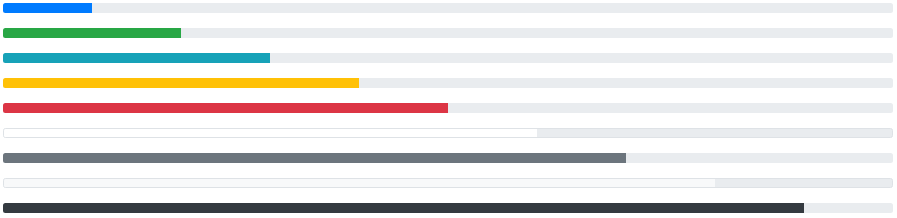
<!-- Blue -->
<div class="progress">
  <div class="progress-bar" style="width:10%"></div>
</div>

<!-- Green -->
<div class="progress">
  <div class="progress-bar bg-success" style="width:20%"></div>
</div>

<!-- Turquoise -->
<div class="progress">
  <div class="progress-bar bg-info" style="width:30%"></div>
</div>

<!-- Orange -->
<div class="progress">
   <div class="progress-bar bg-warning" style="width:40%"></div>
</div>

<!-- Red -->
<div class="progress">
  <div class="progress-bar bg-danger" style="width:50%"></div>
</div>

<!-- White -->
<div class="progress border">
  <div class="progress-bar bg-white" style="width:60%"></div>
</div>

<!-- Grey -->
<div class="progress">
  <div class="progress-bar bg-secondary" style="width:70%"></div>
</div>

<!-- Light Grey -->
<div class="progress border">
  <div class="progress-bar bg-light" style="width:80%"></div>
</div>

<!-- Dark Grey -->
<div class="progress">
  <div class="progress-bar bg-dark" style="width:90%"></div>
</div>