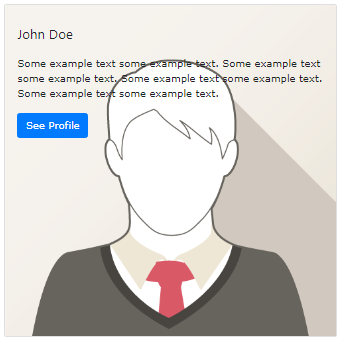
In Bootstrap 5, a card is a box with a border and padding around the contents. It has settings for content, colors, headers, footers, and other things.
John Doe
Some example text some example text. John Doe is an architect and engineer
Use contextual classes (.bg-primary, .bg-success,.bg-info, .bg-warning, .bg-danger, .bg-secondary, .bg-dark, and.bg-light) to add a background color to the card.
To add card titles to any heading element, use the .card-titlesuffix. If a <p> element is the only or last child inside .card-body, its bottom margins are removed using the .card-text class. Any link can have a hover effect and a blue color added by using the .card-link class.
Example
					<div class="card">
  <div class="card-body">
    <h4 class="card-title">Card title</h4>
    <p class="card-text">Some example text. Some example text.</p>
    <a href="#" class="card-link">Card link</a>
    <a href="#" class="card-link">Another link</a>
  </div>
</div>
Card Images
To position an image at the top or bottom inside the card, add .card-img-topor .card-img-bottomto a <img>. Observe that in order to fill the complete width, we have added the image outside of the .card-body: