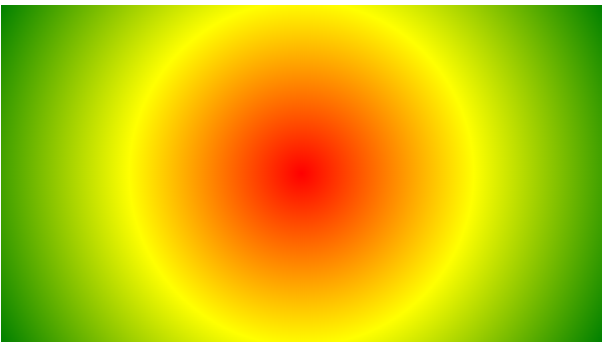
CSS Gradients Radial Gradients CSS Radial Gradients The center of a radial gradient defines it.You also need to define at least two color stops in order to build a radial gradient. Syntax By default, the position is center, the size is farthest-corner, and the shape is ellipse.Equally Spaced Color Stops with a Radial Gradient (default)An illustration of a radial gradient with uniformly spaced color stops may be found below: Example #grad { background-image: radial-gradient(red, yellow, green); } Radial Gradient – Differently Spaced Color StopsA radial gradient with differently spaced color stops is seen in the image below: Example #grad { background-image: radial-gradient(red 5%, yellow 15%, green 60%); } Set Shape The shape is specified by the shape argument. It accepts the ellipse or value circle. The ellipse value is the default.An illustration of a radial gradient in the form of a circle is shown below: Example #grad { background-image: radial-gradient(circle, red, yellow, green); } Use of Different Size Keywords The size parameter defines the size of the gradient. It can take four values:closest-sidefarthest-sideclosest-cornerfarthest-corner Example A radial gradient with different size keywords: #grad1 { background-image: radial-gradient(closest-side at 60% 55%, red, yellow, black); } #grad2 { background-image: radial-gradient(farthest-side at 60% 55%, red, yellow, black); } Repeating a radial-gradient Radial gradients can be repeated using the repeating-radial-gradient() function: Example A repeating radial gradient: #grad { background-image: repeating-radial-gradient(red, yellow 10%, green 15%); } Tagged:CSS