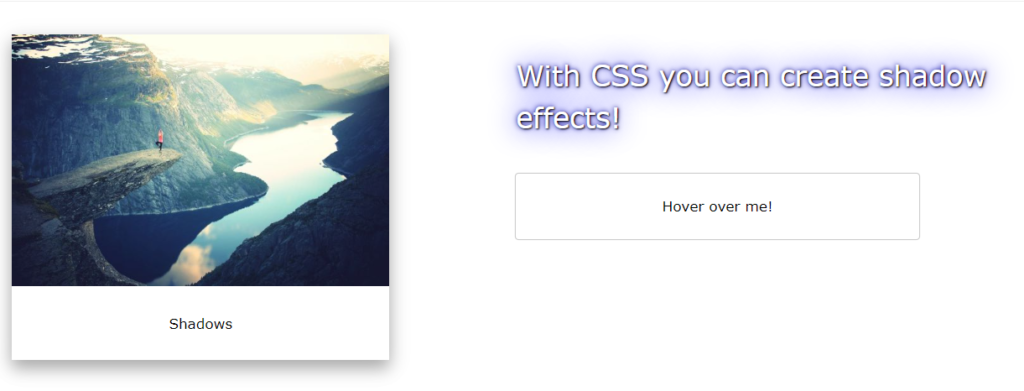
CSS Shadow Shadow Effects CSS Shadow Effects You may add shadows to components and text using CSS.You will study about the following attributes in these chapters:text-shadowbox-shadow CSS Text Shadow Text can be shadowed using the CSS text-shadow property.The only shadows you provide when using it in its most basic form are the vertical (2px) and horizontal (2px) shadows: Example h1 { text-shadow: 2px 2px; } Next, add a color to the shadow: Example h1 { text-shadow: 2px 2px red; } Then, add a blur effect to the shadow: Example h1 { text-shadow: 2px 2px 5px red; } The following example shows a white text with black shadow: Example h1 { color: white; text-shadow: 2px 2px 4px #000000; } The following example shows a red neon glow shadow: Example h1 { text-shadow: 0 0 3px #FF0000; } Multiple Shadows You can add a list of shadows separated by commas to the text in order to add more than one shadow.An example of a red and blue neon glow shadow may be seen below: Example h1 { text-shadow: 0 0 3px #FF0000, 0 0 5px #0000FF; } The following example shows a white text with black, blue, and darkblue shadow: Example h1 { color: white; text-shadow: 1px 1px 2px black, 0 0 25px blue, 0 0 5px darkblue; } You can also use the text-shadow property to create a plain border around some text (without shadows): Tagged:CSS